
Today we’re going to talk about some thing that happen to us all.
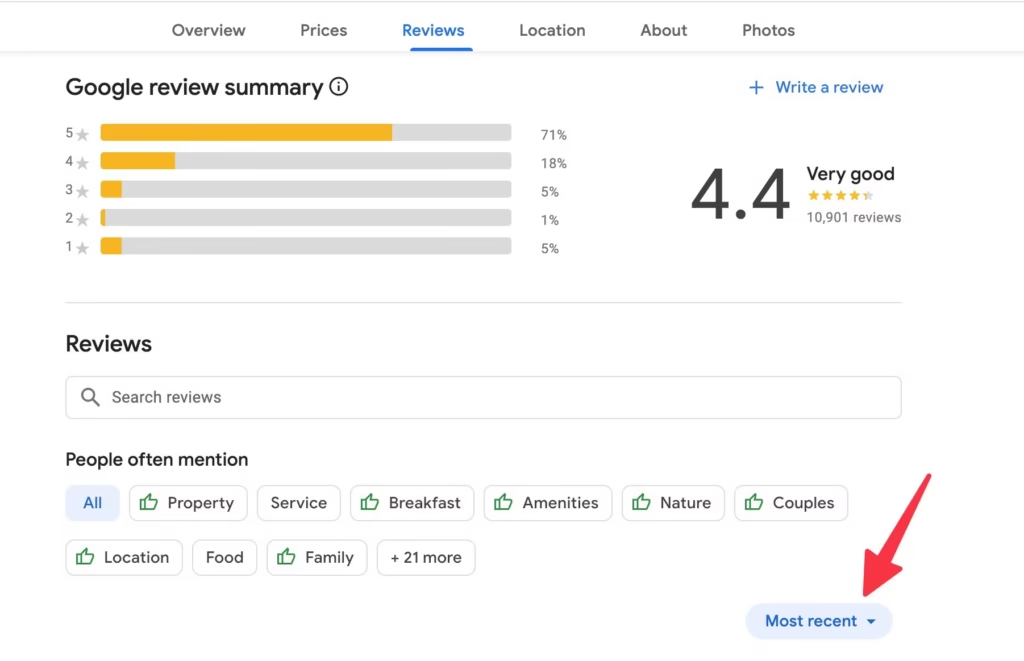
Let’s say you’ve created a profile on Google Maps and you’ve received a bad review — what are you going to do? That’s what we’re covering today.
Getting a bad review is fine, it’s not a big deal. Maybe your service was below par that day compared to other days. Or the customer on the other end might just be a rude person — let’s be honest, some people are just difficult. Getting a bad review is entirely possible even when you’re delivering great service. Sometimes people leave bad reviews just because they’re annoyed at you.
If you’ve received one, don’t be upset. It’s not the end of the world, and there’s actually a lot you can do about it.
Step 1: Write a Professional Response
First things first — write a corporate, professional response to the review.
Be honest. If something went wrong on your end, say so. People who leave bad reviews almost never tell their side of the story fully. If something happened that was outside your normal system or process, make sure to explain it clearly — so that other people reading the review can at least understand the context.

You’re not going to win that customer back. That ship has sailed. Don’t try to convince them. But for everyone else reading, you want them to think: “Okay, this business has a clear system and a reason for what happened.”
Sometimes there are also misunderstandings. When you address those in your response, the original reviewer will often delete their own review — it happens more often than you’d think.

Step 2: Use Google’s Review Management Tool
If a direct response didn’t resolve things, Google’s own tools come into play here.
Google has evolved a lot. There used to be third-party agencies handling all of this, and honestly I wasn’t a fan of that era. Now Google has moved toward AI-driven systems, and I actually prefer it this way.
There’s no proper support line anymore (except for ads), but the Review Management Tool is available and worth using. Google hides these forms in hard-to-find places, so you’ll need to search for them. Here is the link, but you can also find it by searching “Google Reviews Manager” on Google. Connect your Google Business account, and you’ll see all your reviews there.
Reporting Criteria — What Can You Report?
Google has its own content policies. Before reporting, check whether the review violates any of them:

- Spam — Did someone create a brand-new Gmail account just to leave you a bad review? Report it as spam. New profiles often get flagged for this. It’s not perfect, but it works.
- Fake content / fake reviews — I’ve personally had bot reviews land on my profile from another city, clearly bought by someone trying to game rankings with location-specific names. I reported and removed all of them.
- Competitor mentions — Someone once came in, said another restaurant was better than mine, and I reported it as a competing business mention. It was removed.
- Misinformation / misrepresentation — If the review contains false claims about your business.
- Harassment — This happens more than people realize. I’ve seen a case where a cashier was described in detail — their hair, their appearance — called names while being accused of being rude. That’s digital harassment. You can report it.
- Off-topic content
- Animal cruelty — I’ve dealt with a case where a customer described an incident in detail and it was reported under this category and removed.
Not everything is black and white. There are gray areas. Some reviews won’t be removed even after reporting — in that case, you can file an appeal through the same tool and contest the decision.
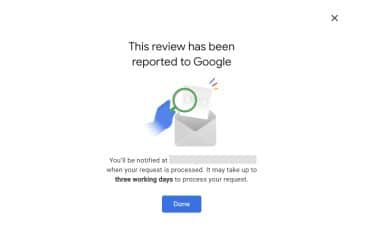
The key advantage of using the Review Management Tool is that your reports don’t just disappear into a void — you can track them and follow up.
A Note on Persistent Harassment
Sometimes one difficult person keeps coming back. Everyone has multiple Gmail accounts. They’ll return, or they’ll bring friends. In these cases, keep reporting as spam, and use the appeal process if reports are rejected.
Google Business Support: The Email Route
The phone support line is gone, but email support is still active. We used to call Google’s offices in the US directly — there was a call center there that would route us to the right team. I’m honestly not sure if that still works; the last time I tried there were issues, so I’d assume it’s no longer reliable.
The email support form is still open though. Here is the link. Fill out the form there and someone will follow up with you by email — they may ask for additional information, you reply, and the process continues until the issue is resolved.
A few important things to know before you use it:
- Only submit the form once. Submitting multiple times doesn’t speed anything up — it just creates confusion. One submission, then wait.
- Response times are slow. Even in what I’d call Google’s “good periods,” things like a wrong address showing up could take one to two months to fix. Manage your expectations accordingly.
- Sometimes the form routes you to Google’s Product Expert community forum instead of a real support agent. Honestly? I’m not a fan of that system. It’s a strange experience — people writing all sorts of things, and it doesn’t feel like proper support.
A Note on Expectations (Important)
I’ve submitted countless support requests over the years. I’ve called the Googleplex number directly, did long discussions with 3rd party support line workers. I’ve tried everything.
Here’s what I’ll tell you honestly: don’t overthink it.
Google is not the world’s greatest company when it comes to support. It has its problems — always had, and if anything they’ve continued to experiment in the wrong direction. But if we go in with realistic expectations, we won’t be demoralized when things move slowly.
If a real person does engage with your ticket and it goes to the right team, expect at least one month for resolution. It might be faster — a week would be great — but plan for a month minimum.
The goal is to handle as much as possible through the Review Management Tool first. Only escalate to the email support form if you’ve hit a wall. And when you do submit that form — submit it once, stay patient, and keep your energy focused on what you can control: your responses, your system, your strategy.
Don’t let any of this become a crisis. Keep your head clear, develop your approach, and use these tools for what they’re worth.
What About Google Ads?
Quick note while we’re here: don’t over-invest in Google Ads unless you have a recurring monthly revenue model. If you’re selling food, one-time products, or anything without a subscription component — it’s very likely not worth it.
The only genuinely happy Google Ads customer I’ve ever come across was an office rental business owner. His reasoning made perfect sense — even if the ad spend felt painful upfront, a single client signing a rental agreement would recover those costs within months. The math only works when your customer lifetime value is high and recurring. If that doesn’t describe your business, you already have your answer..
A small amount to boost visibility slightly? Yes. But large ongoing ad spend for a small local shop? I genuinely don’t recommend it.

Beware of Scammers
I’ve been hearing reports of people being called claiming to be from Google, offering “premium licenses” to remove bad reviews.
This is not Google. Google will not call you offering to remove reviews for money. They earn money through ads, full stop. Don’t pay anyone claiming to offer this service. The limits of what Google offers you are well-defined.
Summary
When you receive a bad review:
- Respond professionally — be honest, explain your system, address misunderstandings. Many reviewers will delete the review themselves once they see a calm, reasonable reply.
- Report it using the Google Review Management Tool if it violates any content policies (spam, fake content, harassment, competitor mentions, misinformation, etc.).
- Appeal if your report is rejected — you can contest it through the same tool.
- Mark as unhelpful from a few accounts as a last resort — though it’s the weakest option.
- Escalate to Google Business Support via the email form if the Review Management Tool hasn’t resolved the issue. Submit the form once, then wait — response times can take up to a month, sometimes longer.
Final Words
Review management matters enormously for small local businesses. Customers are finding you online now, and even a handful of new customers from improving your profile can make a real difference.
If you’ve read this and aren’t sure how to handle a specific review, feel free to reach out to me. I’m offering free consultations on Google review removal for people who visit the site. I’ll help you through the process and can even track the report for you if you don’t have time.
At the end of the day, even if a review can’t be removed — you always have the right to respond. Use it. A clear, professional reply that explains your system tells future customers everything they need to know.
Good luck, and feel free to visit the homepage and reach out via the WhatsApp button. I’ll keep supporting you on local SEO.
Have a great day.